iPhone Burner Phone Setup: A Private, Step-by-Step Guide
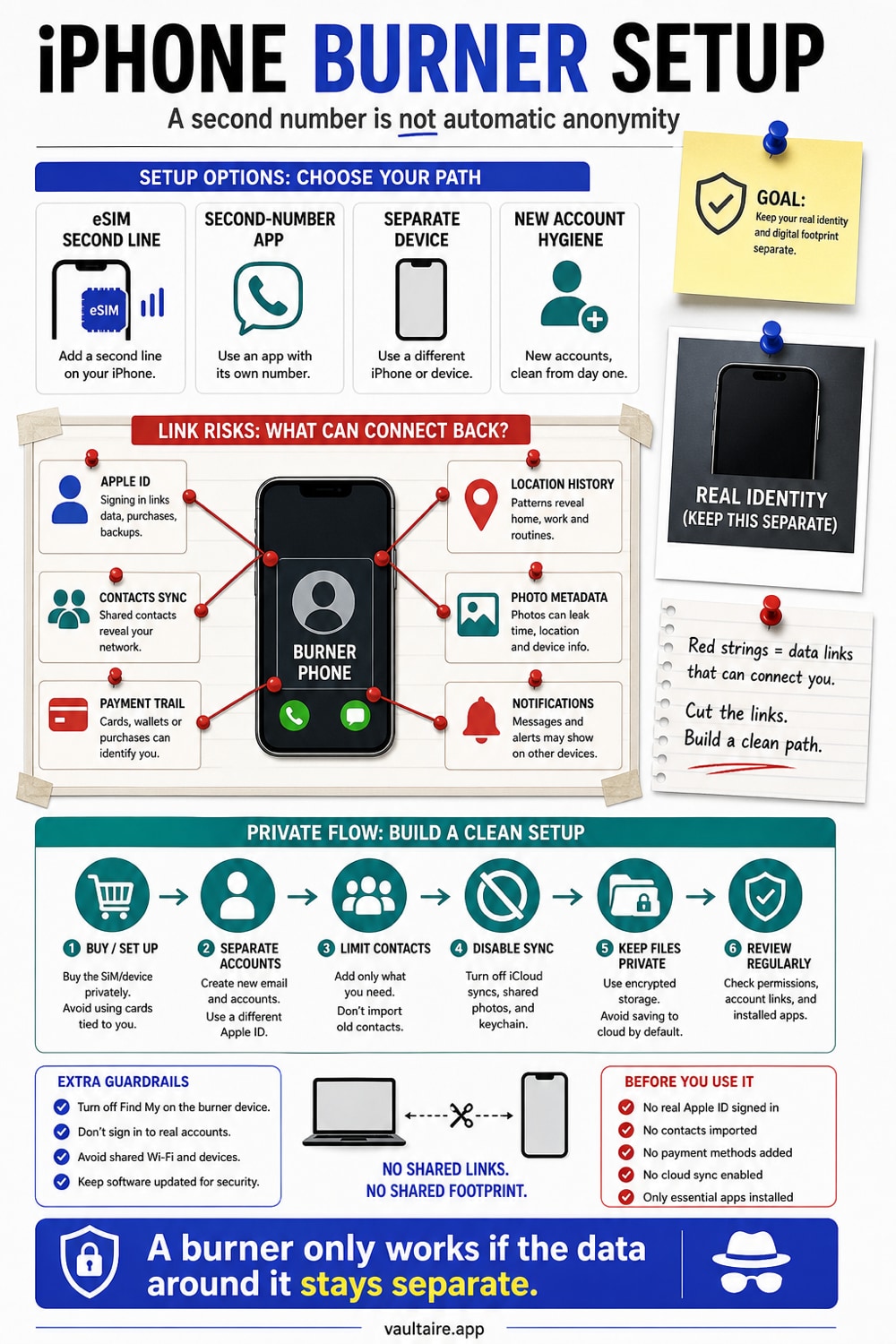
A burner phone is a second identity for your phone - a number you hand out instead of your real one so marketplace buyers, dating matches, and random signups never get the line tied to your name. On an iPhone you no longer need a second device to do this; a second eSIM line or a second-number app gets you most of the way. The catch is that a burner only protects you if you set it up without quietly linking it back to your real identity, and if you keep the photos, screenshots, and documents that flow through it off your main Camera Roll and iCloud.
To set up a burner on iPhone, pick a method - a second eSIM line from your carrier, or a second-number app like Hushed, Burner, or Google Voice - create it with a fresh email and a prepaid payment method rather than your everyday Apple ID, and keep the IDs, shipping labels, and screenshots it generates in an encrypted vault instead of Photos. A burner hides your real number from the people you deal with; it does not make you anonymous to your carrier, the app maker, or anyone who can unlock your phone.
What a burner phone actually is
A burner is a phone number, or sometimes a whole device, that you use for a specific purpose and keep separate from your real identity. The classic version was a cheap prepaid handset you bought with cash and threw away. The modern version is usually just a second number on the phone you already carry, used for the interactions you do not want tied to your everyday line.
The point is compartmentalization, not crime. A burner lets you give a working number to a stranger - a buyer, a date, a website - without handing over the number that reaches your family, your bank, and your two-factor codes. If that number later gets spammed, leaked, or sold, you can drop it and your real line is untouched.
On an iPhone you have two practical paths: add a second cellular line as an eSIM, or install a second-number app that runs over wifi and data. Both give you a number to hand out; they differ in how disposable they are and in who keeps the records.
When you actually need one
The most common reason is selling. List something on Facebook Marketplace, Craigslist, or a local app and your phone number becomes public to every stranger who messages you. A burner number takes the heat so your real line stays private after the item sells.
Dating is the other big one. Matching with someone does not mean you want them to have the number that unlocks your accounts. A burner lets you talk and even call before you decide to share your real contact details. The same logic covers free trials, loyalty signups, contractor quotes, and short-term rentals - anywhere a form demands a phone number you would rather not give out.
Option 1: a second line on your iPhone (eSIM)
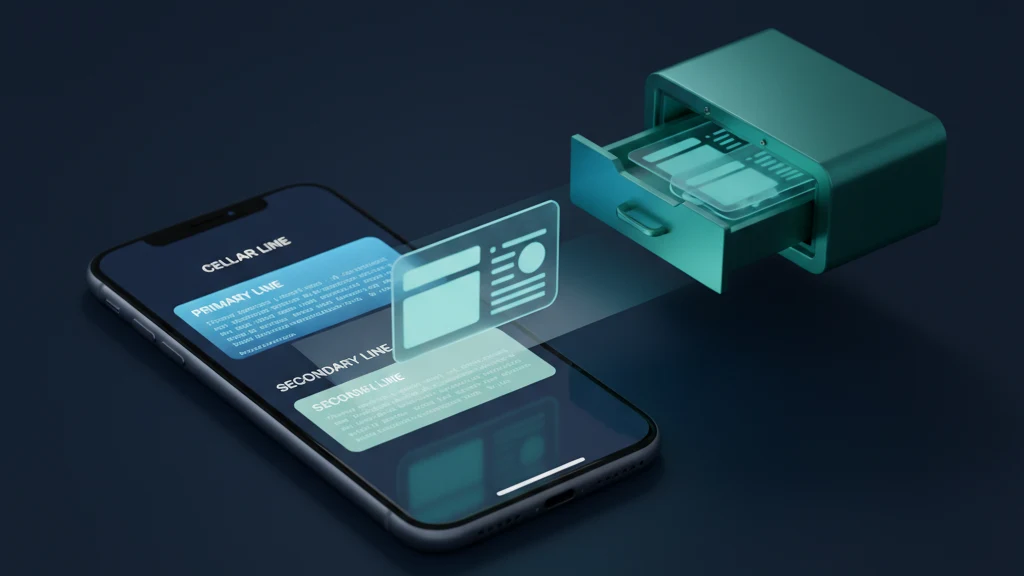
Every iPhone since the XS supports Dual SIM, so you can run a second cellular plan as an eSIM alongside your main line. Open Settings, tap Cellular, then Add eSIM, and follow your carrier's steps. You end up with two numbers on one phone and can label each line so you know which is which.
The upside is that a second line behaves like a real phone number: regular calls and SMS work everywhere, no app required, and reception does not depend on wifi. The downside for privacy is that the line is still bought through a carrier account in your name, so it is a separation layer, not anonymity. It is ideal when you want a durable second number and do not mind that your carrier knows it is yours.
Option 2: a second-number app
Apps like Hushed, Burner, Google Voice, and TextNow hand you a phone number that lives inside the app and works over your data connection. You can often pick the area code, pay by the month, and delete the number when you are done - which is what makes them genuinely disposable in a way an eSIM is not.
The tradeoffs: the app company holds the call and message records, many services require an existing phone number to verify you at signup, and a free number can be reassigned to someone else after you stop paying. Read what the provider logs and retains before you trust a number with anything sensitive. For a number you plan to discard in a few weeks, an app is usually the better fit.
Setting it up without linking it to your real identity
A burner that you register with your main email, pay for with your everyday card, and fill with your real name and photo is not really a burner - it is just a second number with your name on it. To keep the separation real, create a fresh email address for the burner rather than reusing your iCloud address, and pay with a prepaid or virtual card where the service allows it.
Do not import your contacts into the burner app or a second device, and do not reuse your usual username or profile picture. If you go as far as a separate physical device, set it up with its own Apple ID and skip signing into your primary iCloud so the two identities never merge in Apple's records. Small choices like these are the difference between a burner and a labeled extension of yourself.
What a burner does not hide
A burner number hides your real number from the people you deal with. It does not hide you from your carrier or the app provider, who still know who you are, log your activity, and can connect the line to your payment method if compelled. It does not hide your location - cell metadata still places the phone - and it does not erase the payment trail behind a paid plan or subscription.
It also does nothing once someone is holding your unlocked iPhone. Both lines show in Settings, the burner app sits on your home screen, and every photo and screenshot from your burner dealings is sitting in the same Camera Roll as everything else. A burner is about who can reach you, not about what is visible on the device itself.
Keep what flows through the burner private
Burner activity generates sensitive files fast. Selling means photos of your item - sometimes with your home or street in the background - plus shipping labels printed with your real name and address, and screenshots of haggling you may need later. Dating and signups add chat screenshots, and some buyers or platforms ask for a photo of your ID. By default every one of these lands in Photos and syncs to iCloud under your real Apple ID, quietly reconnecting the burner to the identity you were trying to separate.
This is where a vault earns its place. Move those photos, labels, and IDs into an encrypted vault like Vaultaire so they live behind a separate key, outside Photos and out of iCloud Photos sync, with any iCloud backup copy encrypted. The burner keeps your number private to strangers; the vault keeps the paper trail private on the device, so the two halves of your compartmentalization actually hold. Once a deal is done, you can clear the originals from the Camera Roll and keep only the vaulted copy.
Related reading:
- iPhone privacy settings
- Keep screenshots private on iPhone
- Store tax documents on iPhone
- Keep a burner number's data private
- Pattern encryption
Sources
- Apple Support: Set up cellular service and a second line on iPhone
- Electronic Frontier Foundation: Cell phone tracking and location privacy
FAQ
Is setting up a burner phone legal?
Yes. A burner number or second line is ordinary privacy hygiene, the same reason businesses keep a separate line for customers. You are simply choosing which number to hand out. Using one to commit fraud or harass someone is illegal, but keeping your real number off marketplaces, dating apps, and signups is not.
Does a burner number make me anonymous?
No. It hides your real number from the people you talk to, but your carrier or the second-number app still knows who you are, keeps logs, and can tie the line to your payment method. Treat a burner as compartmentalization, not invisibility.
Can I use a burner number without buying a second phone?
Yes. A modern iPhone supports Dual SIM, so you can add a second eSIM line to the phone you already own, or use a second-number app that runs over wifi and data. You only need a separate device if you want full hardware separation between the two identities.