Photo Vault Apps with Face ID and a Decoy Password: What Holds Up
Many photo vault apps on the App Store list the same two features: Face ID for quick access and a decoy password that opens a harmless second vault. Each one makes sense alone. Together they can cancel each other out, because the decoy only protects you if the real vault has no easier way in. This guide explains how the two features interact, what a decoy can and cannot hide, and the checks to run before you rely on either.
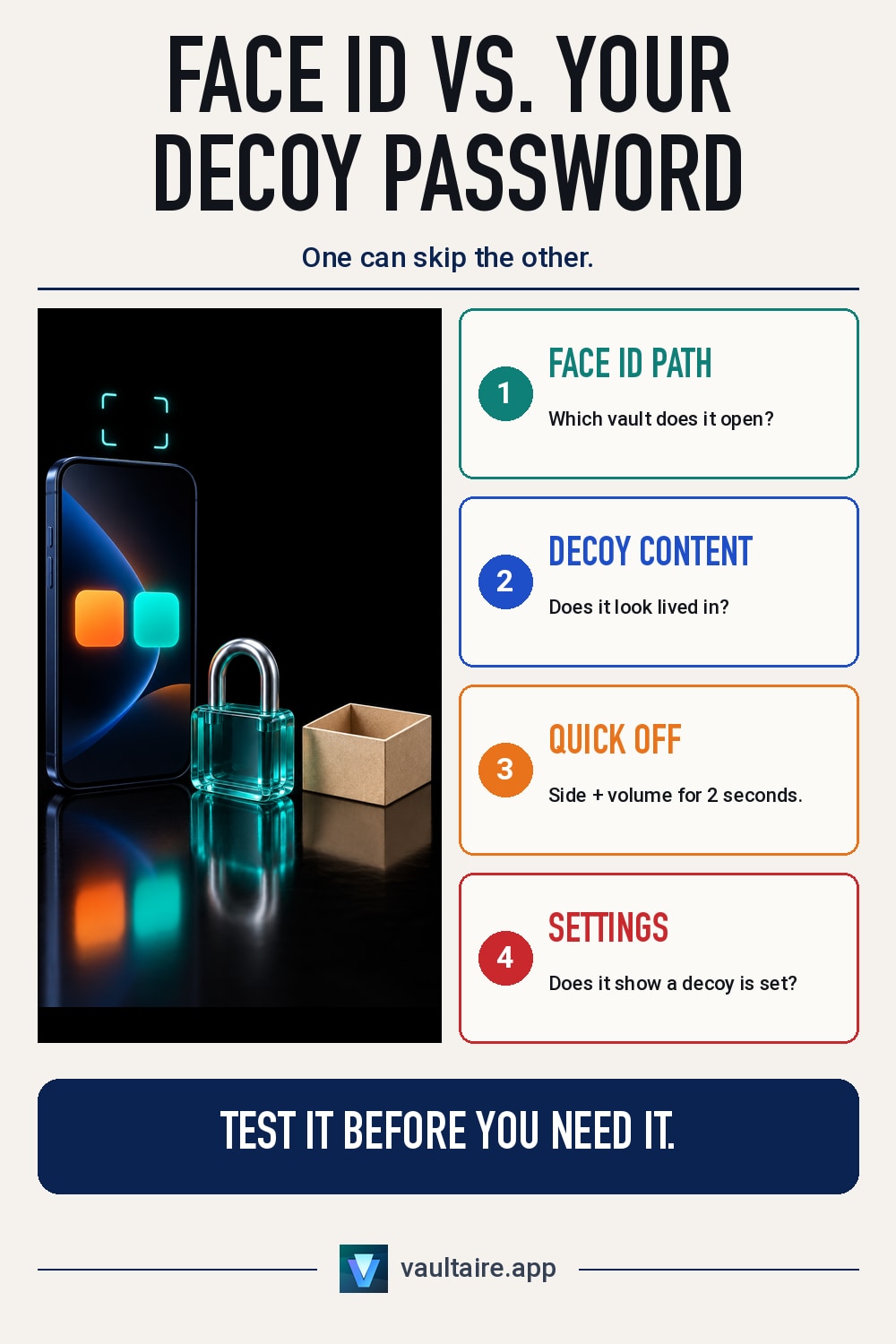
A photo vault app with Face ID and a decoy password is only as strong as the path Face ID takes. If Face ID opens the real vault, someone who can point the phone at your face skips the decoy. Look for an app where the decoy has its own passcode and Face ID can be turned off, put believable photos in the decoy, and learn to disable Face ID by holding the side button and a volume button for 2 seconds. Also check whether the decoy setting shows in the app's settings, because anyone who sees it knows a real vault exists.
How Face ID and a decoy password fit together
Face ID in a vault app does not open a vault by itself. The app asks iOS to check your face, iOS answers yes or no, and the app then opens whichever vault its designers chose. A decoy password works differently: you type a second passcode, and the app opens a second vault filled with harmless photos. So one feature answers "is this the owner?" and the other answers "which vault should I show?", and the app has to decide how the first answer maps onto the second.
Many apps tie Face ID to one vault only, often the real one, because that is what the owner opens every day. That choice is convenient and it is also the weak point. The rest of this guide assumes you want the decoy for a moment when someone pressures you to open the app, and the comparison of pattern, PIN and Face ID locks covers which lock resists which kind of attack in general.
Where Face ID undercuts the decoy
A decoy exists for the moment someone says "open it and show me". If Face ID opens the real vault, that person does not need your passcode. They can ask you to look at the phone, or hold it up to your face, and the app goes straight past the decoy. Face ID with attention checking on needs your eyes open and looking at the screen, which stops the sleeping case, but it does not stop a person standing next to you. The EFF's border travel advice makes the same point about phones in general: do not rely on biometric locks, because they are weaker than passwords.
iOS gives you a fast way out. Apple lists the cases where Face ID asks for the passcode instead: after a restart, after 48 hours without an unlock, after five failed face matches, and after you press and hold the side button and either volume button for 2 seconds. That last gesture works from the lock screen without looking. If you use Face ID in a vault app, learn it, and pick an app that lets you turn Face ID off for the vault so the decoy passcode is the only way in.
What a decoy password can and cannot hide
A decoy works against a quick look. It does little against someone who takes their time. The first giveaway is the content: a decoy with a handful of old screenshots, or one that was clearly filled in a single afternoon, suggests there is a second vault. Fill it with ordinary photos from different months and keep adding to it. The second giveaway is the app itself. Many apps show a "decoy mode" switch or a second passcode field in settings, so anyone who reaches the settings screen learns that a decoy is set up.
The third limit is the phone's storage. An app that keeps a flag or a database entry for the decoy leaves that record on the device, and a person with a forensic copy of the app's files can find it. The guide to plausible deniability in apps explains the gap between a cosmetic decoy and data whose existence is hard to prove. For most people the realistic threat is a partner, a parent or a stranger at a checkpoint, not an examiner, so decide which of the two you are guarding against before you pick an app.
How Vaultaire handles this without Face ID
Vaultaire takes a different route. It has no Face ID, Touch ID or passcode option. You draw a pattern on a 5x5 grid, and each pattern you set opens its own vault. The app never shows a list of your vaults, and a pattern that opens no vault opens a new empty vault instead of an error, except when you are at the free tier's vault limit. So there is no decoy switch in settings: a second vault with its own pattern plays that role, and nothing in the interface points to the others. The free tier holds 3 vaults; see the photo vault app comparison for how that stacks up.
With Pro you can go further and mark one vault as the duress vault. Drawing its pattern removes access to your other vaults on this device and opens the duress vault. Encrypted iCloud backup data stays in place, and the duress setting is stored where an examiner with Keychain access can see that one was set. An examiner with a copy of the app's files can also estimate how many vaults you have and test pattern guesses offline. Longer patterns with several turns are harder to guess, so draw one that is not a letter or a simple shape.
Related guides
- Pattern lock vs PIN vs Face ID
- Plausible deniability in apps
- Best photo vault apps for iPhone
- Calculator vault apps compared
Sources
Frequently asked questions
Which photo vault apps have Face ID and a decoy password?
Many App Store vault apps list both. Before you pick one, check which vault Face ID opens, whether the decoy has its own passcode, and whether Face ID can be turned off for the vault.
Can Face ID open the decoy vault instead of the real one?
In many apps Face ID is tied to one vault, often the real one. Test it yourself: set up the decoy, lock the app, and open it with your face to see which vault appears.
Can someone tell that a photo vault has a decoy?
Often, yes. A thin or recently filled decoy looks staged, many apps show the decoy setting in their settings screen, and a forensic copy of the app's files can reveal the setting as well.
Does Vaultaire use Face ID?
No. Vaultaire has no Face ID, Touch ID or passcode option. You draw a pattern on a 5x5 grid, and a second pattern opens a second vault that works like a decoy.