HDR to SDR Photo Converter: Pick One by File Type
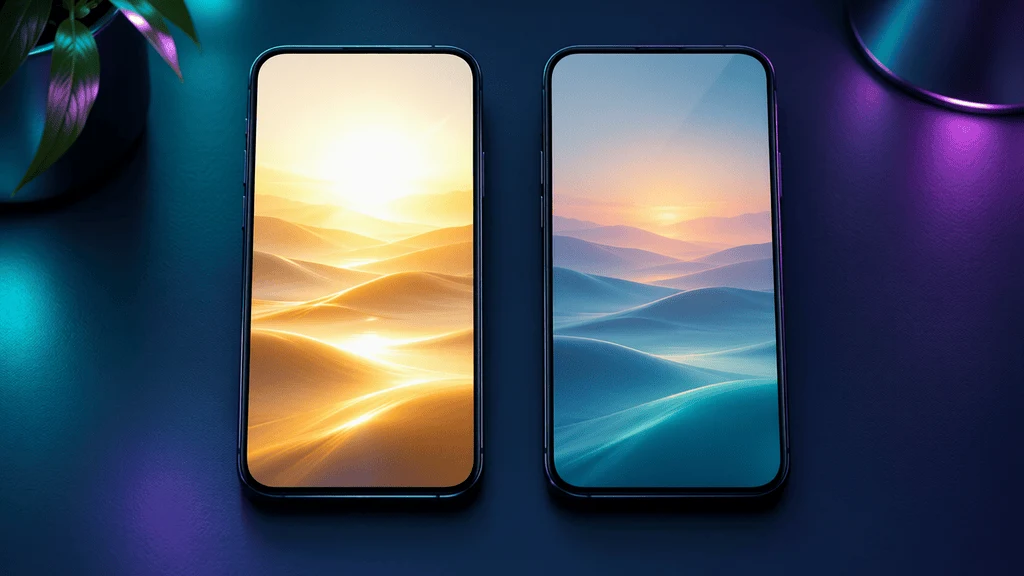
An HDR photo looks too bright, washed out or oddly contrasted once it lands on a screen, an app or a print service that only handles standard range. The right converter depends on which HDR file you hold, because each kind stores its brightness in a different way.
Short answer
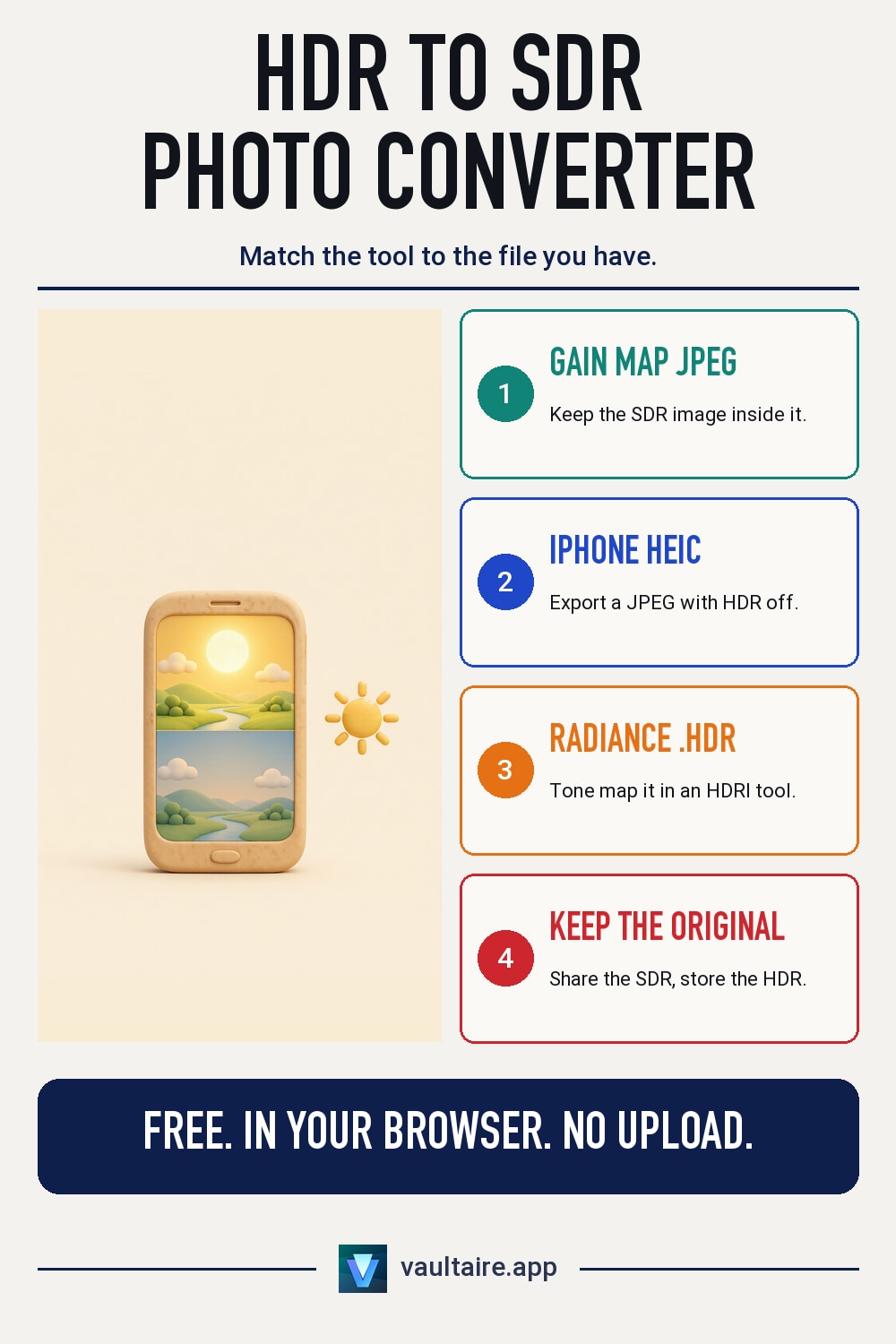
To convert an HDR photo to SDR, match the converter to the file: an Ultra HDR or gain map JPEG already contains an SDR picture, so a tool that removes the gain map, such as Vaultaire's free browser converter, returns that picture without uploading it. An iPhone HEIC photo or a Radiance .hdr file needs a photo editor or a tone-mapping converter instead.
The Verdict: What To Use
If your photo is a gain map JPEG, use a converter that removes the gain map rather than one that re-renders the picture. An Ultra HDR JPEG stores two images: a normal SDR base image that every viewer can show, and a small grayscale gain map that tells an HDR screen how much to brighten each area. The SDR answer is already inside the file. Vaultaire's free HDR image converter cuts the file at the end of that base image, writes it out as a plain JPEG, and does all of it in your browser.
Other HDR files need other tools. An iPhone photo saved as HEIC keeps its HDR data in a format the browser converter does not take, so export it from a photo editor with HDR output turned off. A Radiance .hdr file from a 3D, panorama or HDRI workflow holds scene brightness with no SDR copy at all, so it has to be tone mapped: a converter chooses an exposure and compresses the highlights into the standard range. HDR video is a separate job again, handled by video converters.
How The Options Compare
The table below sets the three common routes side by side. The deciding questions are what file each one accepts, how it arrives at the SDR picture, and where your photo goes while it works. A gain map tool gives the same pixels every time, because it reads an image the file already stores. A tone-mapping converter makes a new picture, and two converters can return two different looks from the same file, especially in skies, lamps and reflections.
Upload is the part most people skip. Many online converters process the file on their own server, so the photo, its file name and its embedded metadata leave your device. That matters for family pictures, documents and anything with location data. A browser converter that runs locally, or an editor on your own device, keeps the file where it is. Vaultaire's converter sends no image data: its analytics record fixed actions such as choose, convert and download, never the file or its details.
Tradeoffs To Weigh
Removing a gain map costs nothing on an SDR screen, because that screen already shows the base image. What you give up is the extra brightness an HDR screen would add to highlights such as the sun, lamps and specular reflections. Keep the original if you might want that effect later, and treat the SDR copy as the version for sharing, printing or uploading to a site that handles HDR badly. The converter re-encodes the base image as a normal JPEG, so compare the result before you delete anything.
Tone mapping gives you more control and more ways to get it wrong. An editor lets you pull highlights down and lift shadows by hand, which suits a photo you plan to print. An automatic converter picks the curve for you, and a bright sky can come out flat or gray. On iPhone, the View Full HDR switch in the Photos settings only changes how the Photos app displays HDR. The file stays HDR, and a person you send it to still sees the HDR version.
What To Do Next
Start with the file you have. For a gain map JPEG, open the converter, choose the photo, select Create SDR JPEG and download the result once the page reports that its checks passed. For an iPhone HEIC, open it in an editor such as Lightroom and export a JPEG with its HDR output switch turned off. For a Radiance .hdr file, use an HDRI tool that lets you set the exposure before it writes the JPEG.
Once you have both versions, decide where each one lives. The SDR copy is for sharing; the HDR original is the one worth keeping. If those originals are private, Vaultaire stores photos on your iPhone encrypted with AES-256-GCM behind a pattern, with no Vaultaire account. Its default Optimized import setting leaves HEIC photos as they are, and the Original setting keeps every photo at the size and format you import.
HDR to SDR photo converters compared
| Question | Vaultaire HDR image converter | Online file converter | Photo editor app |
|---|---|---|---|
| Files it takes for HDR to SDR | Ultra HDR JPEG with a gain map | Many formats, often including Radiance .hdr | HEIC, JPEG and RAW, depending on the app |
| How it makes the SDR picture | Keeps the SDR base image the file stores, with no tone mapping | Tone maps or re-encodes with settings the service chooses | Exports SDR when HDR output is off, with your own adjustments |
| Where the photo goes | Stays in your browser; no image data is uploaded | Usually uploaded to the service's server | Stays on the device unless the app syncs it to a cloud |
| Cost | Free, no account, no watermark | Free tiers often limit file size or daily use | Varies; some export options need a subscription |
Related reading:
- iPhone photo storage: where your pictures really live
- How to hide photos on iPhone
- Best photo vault apps for iPhone
- How to make a secret folder on iPhone
Sources
Frequently Asked Questions
Can HDR be converted to SDR?
Yes. A gain map photo such as an Ultra HDR JPEG already stores an SDR image, so removing the gain map gives you that image directly. A Radiance .hdr file or HDR video has no stored SDR copy and has to be tone mapped, which means a converter decides how to fit the bright range into standard range.
How to convert HDR to SDR without losing quality?
For a gain map JPEG, keep the base image the file already contains instead of tone mapping it. SDR screens already show that image, so they show the same picture after the conversion. The only thing you give up is the extra highlight brightness an HDR screen would add, so keep the original if you want that later.
How can I convert an HDR photo to SDR on my iPhone?
Turning off View Full HDR in the Photos settings changes only how the Photos app displays the picture, not the file. To get an SDR file, export the photo from an editor such as Lightroom with its HDR output switch off. If you have an Ultra HDR JPEG, you can also open Vaultaire's HDR image converter in your browser and create an SDR JPEG there.
What does it mean to convert from HDR to SDR?
HDR, high dynamic range, stores highlights brighter than normal white for screens that can show them. SDR, standard dynamic range, is the range every screen, printer and app can show. Converting means either keeping an SDR version the file already carries or compressing the HDR range into SDR with tone mapping.