Photo Vault Cloud: Login, Limits and Getting Photos Back
Most photo vault apps sell a cloud backup, and most people only look at how it works on the day they need it back. Here is what a vault cloud copy can return on a new phone, what it cannot, and how to set one up so a lost phone or a forgotten password does not cost you every copy.
Short answer
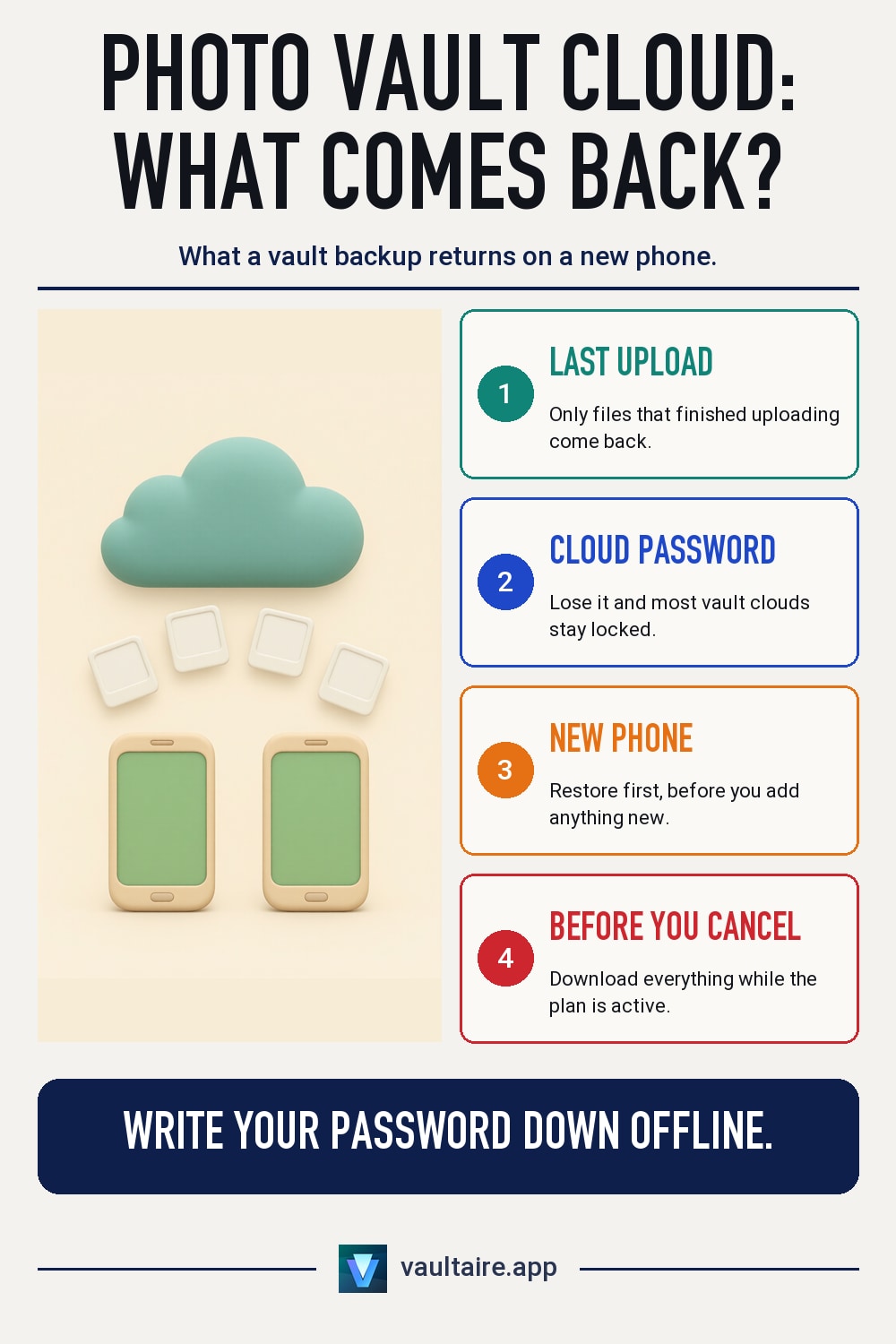
A photo vault cloud is the backup a vault app keeps outside your phone, either on the developer's servers behind an app account and cloud password, or in your own iCloud account. It returns only the files that finished uploading, and only to someone who still has the cloud password or recovery phrase.
What Can Be Recovered
A vault cloud backup can bring back every photo and video that finished uploading before you lost the phone. In Private Photo Vault that backup is Cloud Vault, an optional Premium feature with its own Cloud Vault password. On a new phone you install the app, sign in, enter that password and download the files. Keepsafe works through an account and its Private Cloud, so you sign in to the same Keepsafe account and let the downloads finish.
Vaultaire uses your own iCloud account instead of a server of its own. Its encrypted iCloud backup is on by default in the free tier as well as Pro, runs every 24 hours on Wi-Fi, and keeps several versions. There is no Vaultaire account, email or login to remember. On a new iPhone signed in to the same Apple ID, the nine-word recovery phrase restores the vault from that backup, with its photos, videos and folders.
What Cannot Be Recovered
A cloud copy cannot return a file that never reached it. Photos you added after the last finished upload, or while the phone was off Wi-Fi, exist only on the lost phone. A file you deleted inside the app before the backup ran is not in the cloud either. Some apps keep only smaller copies on the phone and the full-size originals in the cloud, so the cloud copy can be the only original you have.
A forgotten cloud password is the other hard limit. Private Photo Vault says it never uploads the Cloud Vault password and cannot recover it, because that password protects your cloud copies. Vaultaire has no reset either: lose both the pattern and the recovery phrase, and nobody can open the backup. Letting a paid plan lapse can also cost you the cloud copy, so download everything before you cancel.
The Safe Next Step
Before you change phones or cancel a plan, open the vault app on the old phone and check its backup screen. Confirm that the last upload finished, connect to Wi-Fi, and keep the app open with the screen on until it has. Then write the cloud password or recovery phrase on paper and store it somewhere safe and offline, away from the phone it protects.
On the new phone, install the same app first and restore before you add anything new, so the new phone starts from the old copy and nothing gets mixed in. Sign in with the same Apple ID and, for an app with its own cloud, the same app account. Wait for every download, then open a few photos and videos at full size. If something is missing, keep the old phone untouched until you have looked again.
If That Does Not Work
If the cloud copy is empty or will not open, look for a second copy. A Mac or PC backup of the old iPhone, made with Finder, Apple Devices or iTunes, restores the vault app as it was on the day of that backup, together with the rest of the phone. Contact the app's support with your account email and purchase receipt, since they can confirm whether a backup exists even when they cannot read it.
Be wary of paid tools that promise to pull photos or passwords out of any vault. None of them can reach a cloud password that never left your phone. Next time, pick a vault whose way back in you hold yourself. Vaultaire encrypts files with AES-256-GCM before upload, and Apple stores the ciphertext without the keys. Anyone with a copy of your iCloud backup data can still test pattern guesses offline, so draw a long pattern with several turns and keep the recovery phrase written down.
Private Photo Vault Cloud Vault and Vaultaire iCloud backup compared
| Question | Private Photo Vault Cloud Vault | Vaultaire iCloud backup |
|---|---|---|
| Who can use it | Premium members only | Free and Pro, on by default |
| Where the copies live | The developer's cloud, encrypted on your phone before upload | Your own iCloud account, encrypted before upload; Apple does not hold the keys |
| How you sign in on a new phone | Sign in to the app and enter the Cloud Vault password | No Vaultaire account; same Apple ID and the nine-word recovery phrase |
| If you forget the password | No reset; the developer cannot recover the Cloud Vault password | No reset; lose both the pattern and the phrase and nobody can open it |
Related reading:
- How to reset a photo vault password, app by app
- Where hidden photos go on iPhone
- The best photo vault apps for iPhone
- How to make a secret folder on iPhone
Sources
Frequently Asked Questions
Does Photo Vault save to iCloud?
Private Photo Vault backs up to its own Cloud Vault, a Premium feature with a separate password, rather than to your iCloud Drive. An iCloud backup of the whole iPhone may include the app's data, but the developer says some customers could not restore vault data that way. Keep Cloud Vault or a computer backup if you need a dependable copy.
How to recover pictures from Photo Vault?
Install Private Photo Vault on the phone you want to use, sign in, open Cloud Vault and enter your Cloud Vault password, then wait for the downloads to finish on Wi-Fi. If you never turned Cloud Vault on, restore a Mac or PC backup of the old iPhone instead. Without either copy, the developer says deleted files cannot be restored.
Will I lose my photos if I delete the Photo Vault?
Yes, if the photos lived only inside the app. Deleting a vault app deletes the files it held on the phone, and only copies that finished uploading to its cloud survive. Download everything and check that it opens before you delete the app or let a Premium plan lapse.
Is Photo Vault still free?
Private Photo Vault is free to download, and Cloud Vault needs Premium. In November 2026 the US App Store listed a 3-day free trial and then $6.99 per month, with in-app purchases from $6.99 to $39.99. Vaultaire has a free tier with encrypted iCloud backup, and Pro costs $19.99 per year with a 7-day free trial for new subscribers, or $39.99 once.