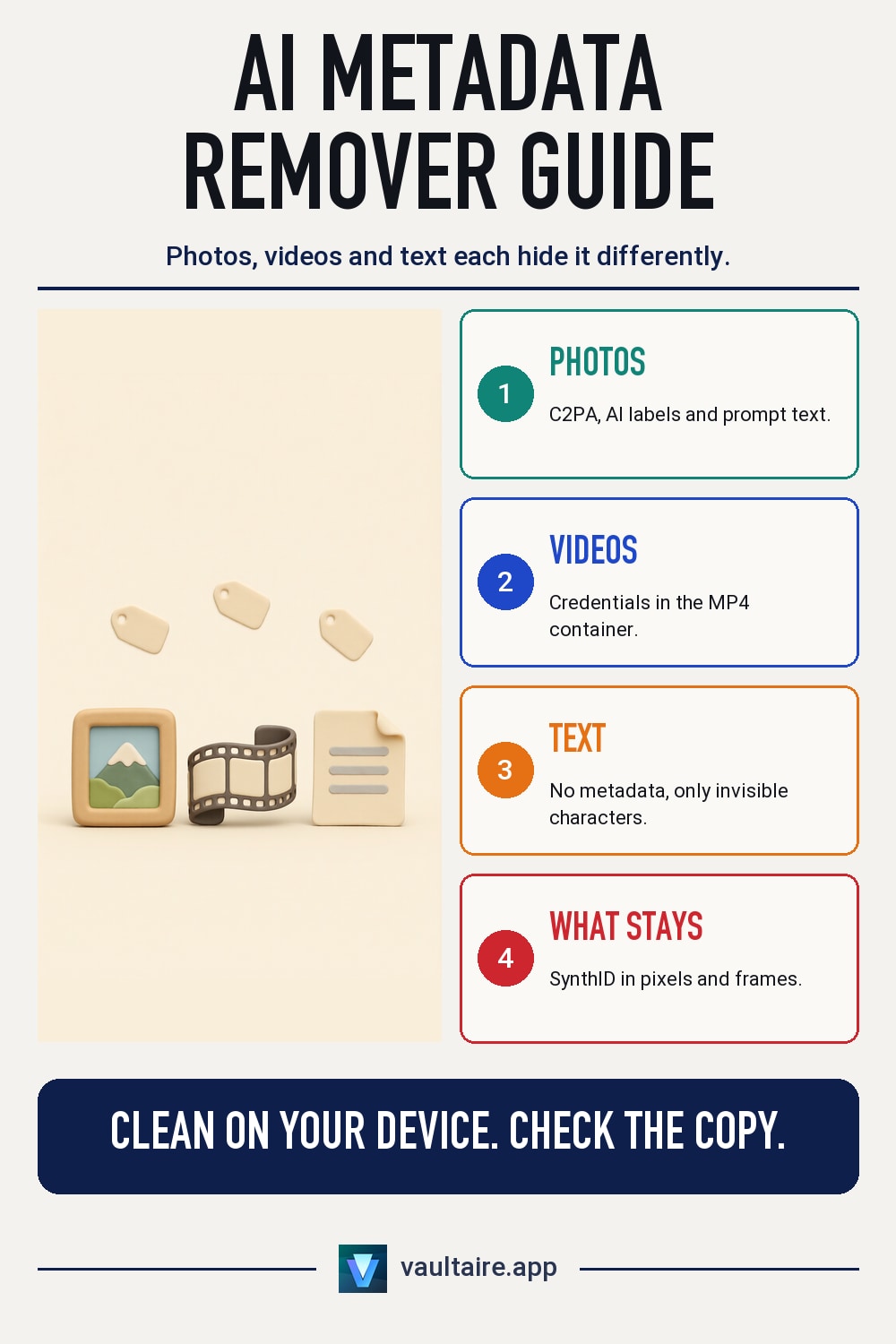
AI Metadata Remover for Photos, Videos and Text
An AI metadata remover deletes the fields that say a file came from an AI tool: Content Credentials, AI source labels, generator names and prompt text. Those fields sit in different places in a photo, a video and a text, so one tool rarely handles all three. This guide shows the free way to clean each kind of file without uploading it, how to check the result, and what stays behind.
Short answer
A good AI metadata remover runs on your own device, deletes C2PA Content Credentials, AI source labels and prompt text, and lets you check the clean copy before you share it. For photos, a browser tool such as Vaultaire's free photo metadata tool does this without an upload; videos need a tool that rewrites the MP4 container, and plain text has no metadata at all, only invisible characters a text editor can delete.
AI Metadata Remover: The Quick Answer
AI metadata is a set of fields beside the picture, the clip or the words, not the content itself. In a photo it can be a C2PA Content Credentials record, which names the tool and the edits it made, an IPTC or XMP label that marks the image as AI generated, or the prompt that Stable Diffusion saves inside a PNG. OpenAI says that videos made with Sora carry C2PA metadata as well, stored in the MP4 container next to the video and audio streams. Meta, for one, has said it reads C2PA and IPTC fields to label AI images on Facebook and Instagram.
Text is the odd one out. Words you copy from ChatGPT, Gemini or Claude carry no metadata: the clipboard holds only characters. What people call AI metadata in text is usually one of two things. The first is invisible Unicode characters, such as the narrow no-break space or the zero-width space, that sometimes appear in chatbot answers. The second is the author and application fields of a Word or Google Docs file. A remover can delete both, and neither says much about who wrote the words. A Word file can also keep comments and tracked changes that you did not mean to send.
How To: Step by Step
For a photo, open Vaultaire's free photo metadata tool in any modern browser and choose the file. It reads JPEG, PNG, WebP, GIF, HEIC, HEIF and AVIF images up to 25 MB, and the scan runs in a Web Worker inside your browser with no upload. Its report names the generator when it can and shows any C2PA record it found. Select Remove metadata: the copy drops the AI labels, the Content Credentials, PNG text, EXIF and GPS, and leaves the encoded image data unchanged. The tool scans the copy again before it enables the download; save it under a new name.
For a video, the free route that keeps the file on your computer is ffmpeg, an open source command line tool. The command ffmpeg -i input.mp4 -map_metadata -1 -c copy clean.mp4 writes a new MP4 with the same video and audio streams, so the picture keeps its quality, and without the file's global metadata. For a text, paste it into a plain text editor that can show invisible characters, such as VS Code or BBEdit, and delete them. In Microsoft Word, File, Info, Check for Issues, Inspect Document removes the author and document properties.
Common Mistakes To Avoid
The first mistake is uploading a private file to a free online remover. Many of them process the file on their own server, so the original, with its prompt, its GPS position and its Content Credentials, reaches a company you know nothing about. Before you choose a tool, read where it says the work happens. The second mistake is picking a tool by its name: an AI text remover in a video editor such as CapCut erases captions and on-screen words from the frames, and it does not touch the file's metadata.
The third mistake is skipping the check. A remover can miss a field it does not know, and some apps add new metadata when they save. Open the clean copy in a metadata viewer for a photo, or in the Content Credentials Verify site from the Content Authenticity Initiative for a photo or a video, and confirm that the AI fields are gone. The fourth mistake is deleting the original before you have checked the copy. Keep it until the check passes, then decide on purpose what happens to it. On iPhone, Photos shows the date, the camera and the place, but no C2PA record, so it cannot confirm that a clean-up worked.
What Most People Get Wrong
Removing metadata does not make a file look human made. Google DeepMind's SynthID hides a watermark in the pixels of images and video frames from Google's models, and Google says it also marks text from Gemini through a pattern in the word choices. Sora videos also carry a visible watermark in the frame. A metadata remover changes none of these, because they are part of the content. It changes what a metadata check reports, and nothing more. YouTube and TikTok still ask you to label realistic AI content whatever the file says. A detector that reads pixels or word patterns can still flag the file.
The best AI metadata remover is the one that works on your device, shows you each field before it deletes it, and checks the copy afterward. That handles the copy you share. The original still holds the prompt and the credentials, and it sits in your camera roll next to everything else. Vaultaire is a free iPhone app that stores the photos and videos you choose in an encrypted vault that opens with a pattern you draw, with no Vaultaire account. It does not remove metadata on import, so clean the copy first and lock away the original.
AI metadata in photos, videos and text
| Question | Photo | Video | Text |
|---|---|---|---|
| What AI metadata it can carry | C2PA credentials, IPTC and XMP AI labels, PNG prompt text | C2PA credentials in the MP4 container | None as plain text; a document file has author fields |
| Free way to remove it on your device | A browser tool such as Vaultaire's photo metadata tool | ffmpeg with -map_metadata -1 and -c copy | A plain text editor, or Inspect Document in Word |
| How to check the clean copy | A metadata viewer or Content Credentials Verify | Content Credentials Verify | Show invisible characters in the editor |
| What no metadata remover can erase | SynthID and other watermarks in the pixels | SynthID in the frames and visible watermarks | SynthID Text patterns in the word choices |
Related reading:
- How to remove AI metadata from an image
- How to hide photos on iPhone
- Best photo vault apps for iPhone
- How to make a secret folder on iPhone
Sources
Frequently Asked Questions
Is an AI metadata remover safe to use?
It is safe when the remover runs on your own device and you keep the original until you have checked the copy. Many free online removers upload the file to their server first, so the prompt text, the GPS position and the credentials you wanted to delete reach that company. A browser tool that works without an upload, such as Vaultaire's free photo metadata tool, keeps the photo on your device.
Does Vaultaire remove AI metadata?
Vaultaire's free photo metadata tool on the website removes AI labels, C2PA records, PNG text, EXIF and GPS from JPEG, PNG, WebP, GIF, HEIC, HEIF and AVIF images in your browser. It does not read videos or text. The Vaultaire iPhone app is a different product: it stores files in an encrypted vault and does not remove metadata on import.
What is the most private way to remove AI metadata?
Clean the file on the device that already holds it. For a photo that is a browser tool with no upload; for a video it is ffmpeg on your computer; for a text it is a plain text editor. Do not paste a private file into a chatbot to clean it, because the chatbot needs the whole file, with every field you meant to remove.
Do I still have to label AI content after removing the metadata?
Often, yes. YouTube asks creators to disclose realistic content that was altered or made with AI, and TikTok asks users to label realistic AI generated content, whatever the file's metadata says. Removing the fields changes what a checker reads; it does not change a platform's rules or the watermark some AI tools put in the pixels.