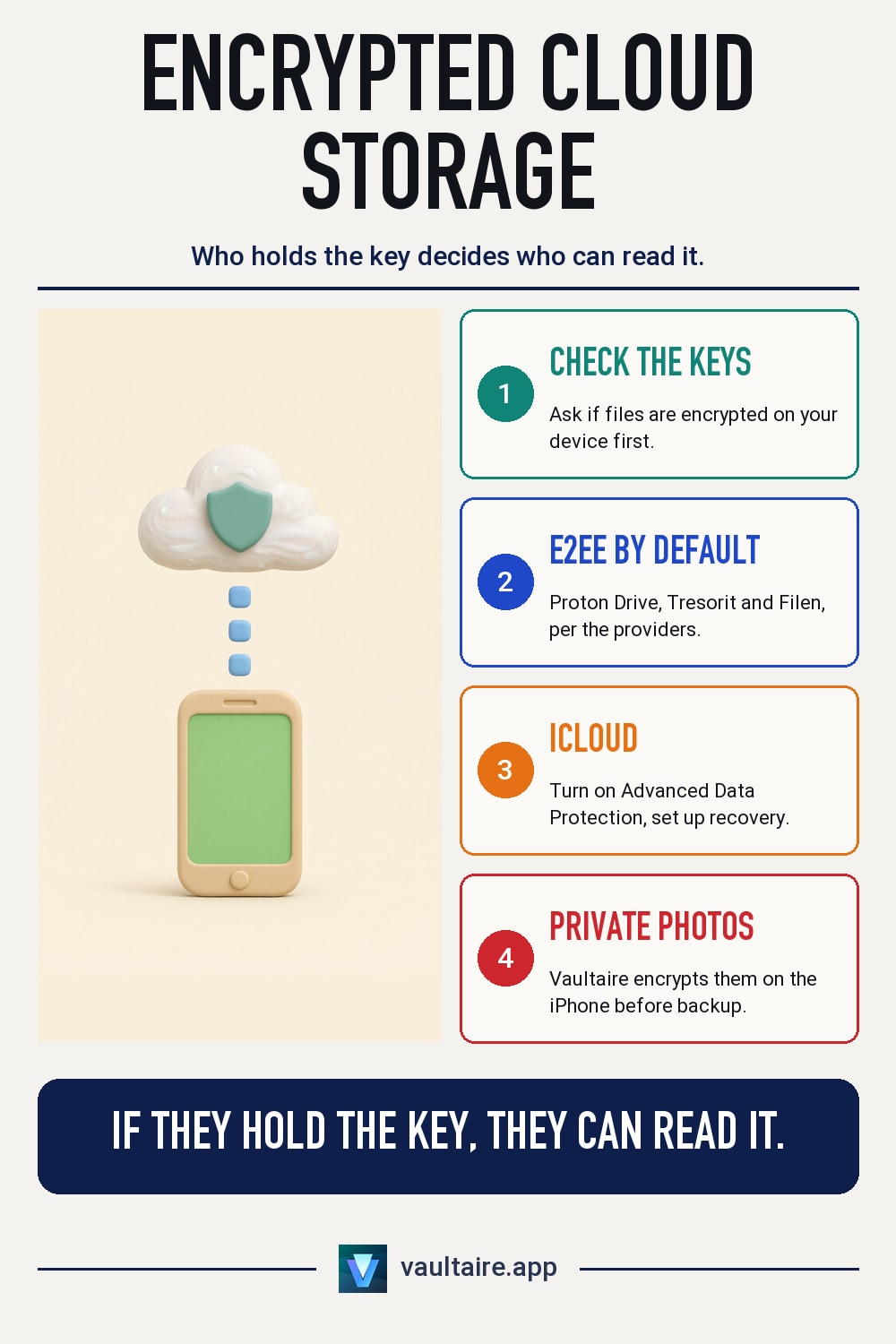
End-to-End Encrypted Cloud Storage: Who Really Encrypts
Almost every cloud storage service advertises encryption. What matters is who has the key. Here you can see which providers encrypt your files on the iPhone already, where you have to turn the feature on first, and what you give up for it.
Short answer
Proton Drive, Tresorit and Filen are end-to-end encrypted by default, pCloud only in the paid Encryption folder, and iCloud only once you turn on Advanced Data Protection. With Google Drive, OneDrive and Dropbox, the provider holds the keys on personal plans.
How to recognize real end-to-end encryption
With end-to-end encryption, a file is encrypted on your device before it is uploaded. The key stays with you. The provider stores only data it cannot read itself, so it also cannot hand that data to third parties or scan it for content.
Many providers encrypt files only in transit and on their servers. That protects against theft of the hard drives, but the provider has the key and can open the files. This is how Google Drive, OneDrive and Dropbox work on personal plans. So the question for every provider is not whether it encrypts, but who holds the key.
iCloud: end-to-end only with Advanced Data Protection
With Standard Data Protection, iCloud Photos and iCloud Drive are encrypted, but Apple holds the keys. Only Advanced Data Protection makes Photos, iCloud Drive, Notes and iCloud backups end-to-end encrypted. You turn it on under Settings, your name, iCloud, Advanced Data Protection. Every device on your Apple Account needs a current software version for this.
Two limits remain. According to Apple, iCloud Mail, Contacts and Calendar are not end-to-end encrypted even with Advanced Data Protection. And Apple can no longer help you if you lose access: without a recovery contact or recovery key, the data is gone. So set up at least one of the two methods first.
Proton Drive, Tresorit, Filen and pCloud: what is encrypted by default
Proton Drive and Tresorit are based in Switzerland and, according to the providers, encrypt every file end to end on all plans. Filen is a German provider with servers in Germany that also encrypts end to end by default. With pCloud, only the Encryption folder is end-to-end encrypted, and it is a paid add-on. Everything outside this folder is stored with normal server encryption.
The price of security is convenience. Reviews by experte.de and netzwelt.de describe Proton Drive as slower at uploading than the big providers. Browser previews and shared editing are more limited because the server cannot read the files. And if you lose your password and recovery data, you lose your files with all of these providers.
Private photos from your iPhone: encrypt them before they go to the cloud
For most photos, iCloud with Advanced Data Protection or Proton Drive's photo backup is enough. For pictures that no one holding your unlocked iPhone should see, cloud storage alone does not help: the photos still sit in the open in the Photos app. For this there are vault apps that store photos in their own encrypted space.
Vaultaire encrypts imported photos and videos on the iPhone with AES-256-GCM and opens them only with your pattern. The encrypted iCloud backup is on by default and goes to your private iCloud database. Apple stores only encrypted data there, sees the number, size and timing of the records, and does not have the keys. But anyone who gets access to your iCloud data can try patterns offline. So choose a long pattern.
iCloud, Proton Drive and Vaultaire compared
| Question | iCloud with Standard Data Protection | iCloud with Advanced Data Protection | Proton Drive | Vaultaire |
|---|---|---|---|---|
| End-to-end by default | No, only for some data such as passwords | Yes, once turned on, also for photos and iCloud Drive | Yes, on all plans | Yes, files are encrypted in the app with AES-256-GCM |
| Who holds the keys | Apple | Your devices | You, Proton says it does not have them | Neither Apple nor Vaultaire |
| Back up iPhone photos | Yes, with iCloud Photos | Yes, with iCloud Photos | Yes, with the app's photo backup | Yes, encrypted iCloud backup every 24 hours, on by default |
| Lost access | Apple can help with a reset | Only with a recovery contact or recovery key | Only with a recovery method set up in advance | Recovery with pattern or recovery phrase |
| Cost | 5 GB free, more with iCloud+ | No extra cost on top of iCloud | Free to start, more storage by subscription | Free up to 100 photos and 10 videos, Pro for more |
Related guides
- What is end-to-end encryption for photos?
- Are iCloud photos end-to-end encrypted?
- How secure is cloud photo storage?
- What is zero-knowledge encryption?
Sources
Frequently asked questions
Is iCloud end-to-end encrypted?
Only partly. With Standard Data Protection, Apple holds the keys for iCloud Photos and iCloud Drive. If you turn on Advanced Data Protection, this data is end-to-end encrypted too. According to Apple, iCloud Mail, Contacts and Calendar remain excluded.
Is there end-to-end encrypted cloud storage from Germany?
Yes. Filen is a German provider with servers in Germany and, according to the provider, encrypts end to end by default. Proton Drive and Tresorit are based in Switzerland. With the big German webmail clouds, check first who holds the keys.
What happens if I forget the password for encrypted cloud storage?
Then the provider usually cannot help you, because it does not have the key. Without a recovery key, recovery contact or recovery phrase, the files are lost. Set up one of these methods before you upload your first files.
Is Vaultaire cloud storage?
No. Vaultaire is a photo vault app for the iPhone. It encrypts photos and videos on the device and backs them up encrypted in your private iCloud. For documents and other files, you still need cloud storage such as iCloud Drive or Proton Drive.