Photo Vault Apps That Hide Their Own Icon on iPhone: What Works
Many photo vault apps promise a hidden or disguised icon, so nobody who picks up your iPhone knows the vault is there. iOS does not let any app remove its own icon, so that promise always means something narrower. This guide explains what those icon options really change, how iOS itself can hide any app behind Face ID, and why the icon matters less than how the photos inside are stored.
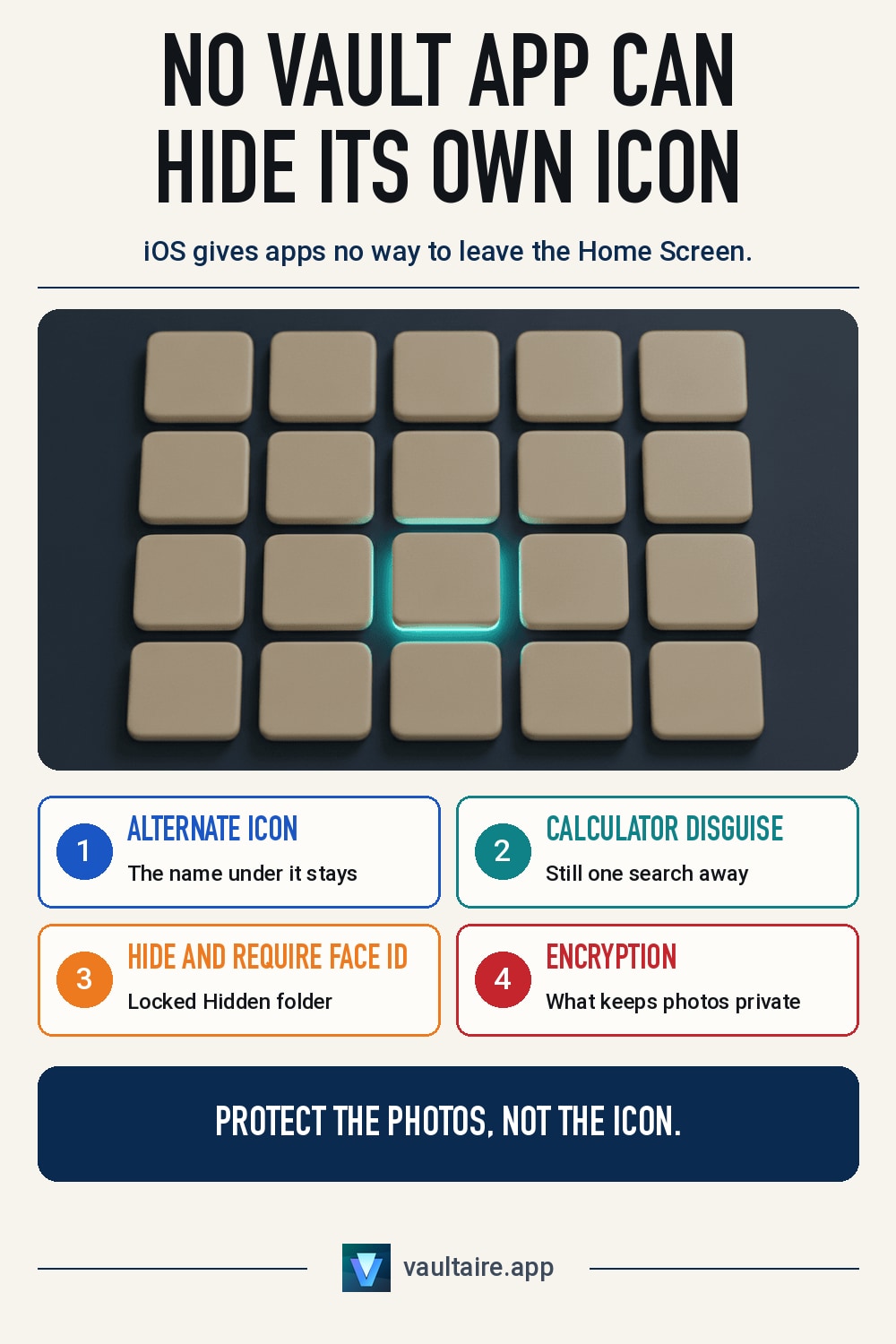
Here is the short answer. No photo vault app on iPhone can hide its own icon. Apple does not give apps a way to remove themselves from the Home Screen, the App Library or search. What vault apps offer instead is a disguise: a different icon picture, or an app that looks like a calculator. To make any app vanish from view, use the iOS Hide and Require Face ID option, which moves it to a locked Hidden folder and removes it from search. Whether the photos are safe depends on encryption, not on the icon.
What a hidden icon means on an iPhone
On Android, some vault apps can drop their launcher icon and open from a dialer code. On iPhone that is not possible. Every installed app has an entry in the App Library and a result in search, and iOS gives developers no call that removes either one. When a vault app on the App Store says it can hide its icon, it is describing one of two things: an alternate icon picture you pick inside the app, or a disguise built into the app from the start, such as a working calculator that opens the vault when you type a code. The guide to calculator vault apps covers that second kind in detail.
An alternate icon is the more limited of the two. iOS lets an app swap its icon picture, but it shows an alert telling you the icon changed, and the name under the icon stays the same. A vault called Secret Photos is still labelled Secret Photos with a weather icon on top. A disguise app avoids that by shipping under a harmless name, so its label says Calculator or Notes from the day you install it. Either way the app is still on the phone, still in the App Library, and still one search away.
Who a disguised icon actually stops
A disguise works against a glance. Someone scrolling past your Home Screen sees a calculator and moves on. It does much less against a person who holds your unlocked iPhone for a few minutes and is curious. Two calculators on one phone look odd, and searching for calculator shows both of them. Settings lists every installed app by name, and the App Store's purchase history shows what you downloaded. The checks for spotting a fake calculator app are the same ones a partner or parent would use.
The weaker point is what happens after the disguise is found. Many vault apps store photos without encryption and rely on a PIN screen alone, so anyone who gets past the screen, or copies the app's files from a backup, sees everything. Some show a different screen after a wrong code, which tells the other person a vault exists. A hidden icon buys time against a casual look. It does not protect the photos from someone who is already searching.
The iOS setting that hides any app, including a vault
Since iOS 18, iPhone can hide almost any app you downloaded, no disguise needed. Touch and hold the app's icon, tap Require Face ID, then tap Hide and Require Face ID. After you confirm, the app leaves the Home Screen, disappears from search and stops showing notifications. It moves to a Hidden folder at the bottom of the App Library, and that folder only opens with Face ID, Touch ID or your passcode. Apps that come with iOS cannot be hidden this way, and children under 13 in a Family Sharing group cannot use it.
This is the closest an iPhone gets to an app that hides itself, and it works for every vault app, including ones with no icon option at all. It still leaves a trace: the Hidden folder is visible, and it tells anyone who opens the App Library that something is hidden, though not what. The older approach of removing an app from the Home Screen, covered in how to hide apps with Screen Time, is weaker still, because the app stays in search.
Protect the photos, not the icon
Every method above changes where the icon sits. None of them changes how the photos are stored. If a vault keeps plain image files behind a PIN, hiding its icon only delays the moment someone reaches them. The questions that decide your privacy are whether the files are encrypted on the device, whether the key depends on something only you know, and what a wrong code reveals. The comparison of photo vault apps for iPhone checks each app against those points.
Vaultaire does not disguise its icon. It shows up as Vaultaire, and you can hide it with Hide and Require Face ID like any other app. What it hides is the inside. Photos are encrypted on the device with AES-256-GCM, unlocked by a pattern you draw. A wrong pattern opens an empty vault instead of an error, and separate patterns can open separate vaults, so the app does not show whether another vault exists. Someone who finds the app still does not learn what it holds.
Related guides
- Calculator vault apps: how they work
- How to spot a fake calculator app on an iPhone
- How to hide apps with Screen Time on iPhone
- Plausible deniability in apps
Sources
Frequently asked questions
Can a photo vault app remove its own icon on iPhone?
No. iOS gives apps no way to remove themselves from the Home Screen, the App Library or search. A vault app can change its icon picture or look like a calculator, but only you can hide the app, using Hide and Require Face ID.
Does changing a vault app's icon change its name too?
No. An alternate icon only changes the picture, and iOS shows an alert when it happens. The name under the icon stays the one the app was installed with, so a search for that name still finds it.
Can someone find an app I hid with Face ID?
They can see that the Hidden folder exists at the bottom of the App Library, but it only opens with your Face ID, Touch ID or passcode. The hidden app does not appear in search or on the Home Screen, and its notifications stay hidden.
Is a vault with a hidden icon safer than one without?
Only against a quick glance. Once someone finds the app, what matters is whether the photos are encrypted and what a wrong code reveals. A vault that encrypts its files protects them even when the icon is in plain sight.